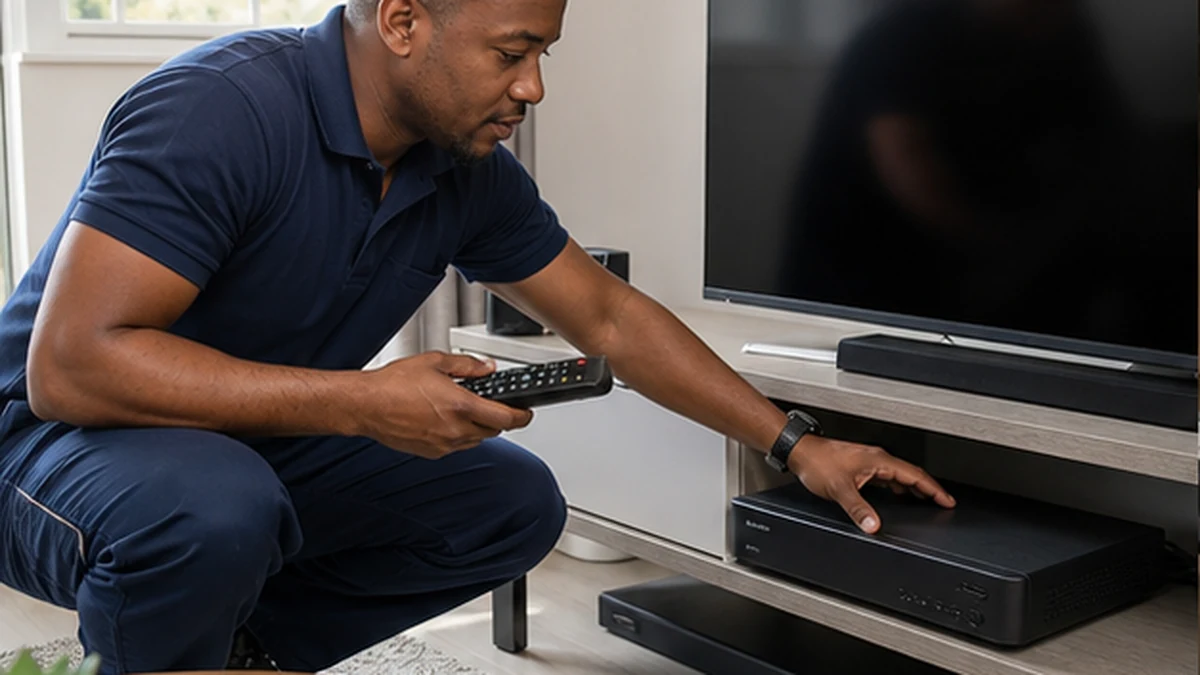
Explora setup planned around your home
An Explora works best when the dish, LNB, cabling, decoder and internet connection are considered together. We first check the viewing room, the available dish position and the route between them. This avoids loose cable across a passage or a decoder squeezed into an unventilated cabinet. Homes around Noordhaven and Crofters Valley can have long runs or thick walls, so the cleanest route is not always the shortest one. If the property needs a complete satellite system, our covers the dish and core connection as well.
Dish, LNB and signal checks
A stable Explora picture starts outdoors. The technician checks whether the existing dish is secure, correctly aligned and suitable for the decoder configuration. The LNB outputs and coaxial cable are tested before the decoder is connected. Weather-exposed connectors receive particular attention because moisture and corrosion can cause intermittent faults. Signal strength alone is not enough. Signal quality must also be peaked with a meter, then checked at the decoder after the full cable run is connected.
Neat decoder and TV connections
The decoder is placed where air can circulate and the remote can work reliably. HDMI, satellite and network leads are routed so they do not pull on ports or create a tangle behind the television. Where the screen is mounted, cable planning can be combined with our . We then set the correct display resolution, confirm sound, scan the available services and check live viewing. Recording and playback functions are also tested before handover.
Connecting Explora online features
Connected features depend on a dependable home network. We can link the decoder by Ethernet where practical or assess the available WiFi signal at the TV position. Large Noordhoek plots, separate cottages and rooms behind masonry walls often need more deliberate network planning than a single router can provide. If the connection is weak, the can improve coverage instead of relying on an unstable connection. App access still depends on the customer’s subscriptions and compatible equipment.
Upgrades and decoder replacements
Replacing an older decoder is not simply a swap of boxes. Existing cabling, LNB compatibility, smartcard or account details and Extra View arrangements may affect the work. We inspect what can remain and explain what needs to change before installation starts. The old decoder can be disconnected without disturbing other TV points. Once the new Explora is active, we check the software version, remote, recordings menu, Catch Up area and any connected services available on that model.
A clear handover before we leave
The final step is a practical walkthrough. You are shown the remote shortcuts, programme guide, recording controls and basic restart process. We confirm that the picture remains stable on several channels and that cables and connectors are secure. You also receive straightforward advice on ventilation, safe cleaning and what information to note if an error appears. The aim is an Explora installation that feels simple to use from the first evening, not a collection of unexplained settings.