Picture a wet July evening in the Noordhoek valley. The mist is down, the kids want cartoons in the cottage, and you are stuck in traffic on Ou Kaapse Weg wondering if the account is paid. The DStv app and its sister, the MyDStv app, can sort both problems from your phone, as long as you know which one does what.
Quick answer
The DStv app is for watching: live channels, Catch Up and downloads on your phone, laptop or smart TV. The MyDStv app is for your account: paying, changing packages and clearing error codes. Most Noordhoek homes need both, plus WiFi that reaches the rooms and outbuildings where you actually watch.
Two apps, two jobs: the DStv app and MyDStv in Noordhoek
People mix these up all the time, and we do not blame them. The names are almost the same and the logos look alike. Think of it like this: one app is the TV, the other is the till.
The DStv app streams what is in your package. You log in with your DStv details and watch on a phone, tablet, laptop or a smart TV. The MyDStv app does not play any shows. It handles money, packages and fixes.
| What you want to do | Use this | Notes for Noordhoek homes |
|---|---|---|
| Watch live TV away from the decoder | DStv app | Needs decent WiFi or mobile data |
| Download episodes for later | DStv app | Download on home WiFi before a trip |
| Pay your account or check the balance | MyDStv app | Works anywhere with signal |
| Change or upgrade your package | MyDStv app | Upgrades apply once paid |
| Clear errors like E16 | MyDStv app | Decoder must be on and on a channel |
| Watch on a smart TV in the cottage | DStv app on TV | WiFi must reach the cottage |
Both apps are free to download from the Apple, Google Play and Huawei stores. The MyDStv app is built for South African accounts, so you will see local packages and rand prices.
Do I need a decoder to use the DStv app?
No. If you pay for a satellite package, streaming on the DStv app is normally included in your subscription. If you have no dish at all, a DStv Stream package lets you watch through the app only. At the time of writing, the DStv Select package for Noordhoek families costs R339 a month on a decoder and R299 on Stream.
Watching the DStv app on your phone, laptop and TV
Once you are logged in, the DStv app feels much like the decoder guide. You pick a channel, scroll Catch Up or open your downloads. Here is how each screen behaves.
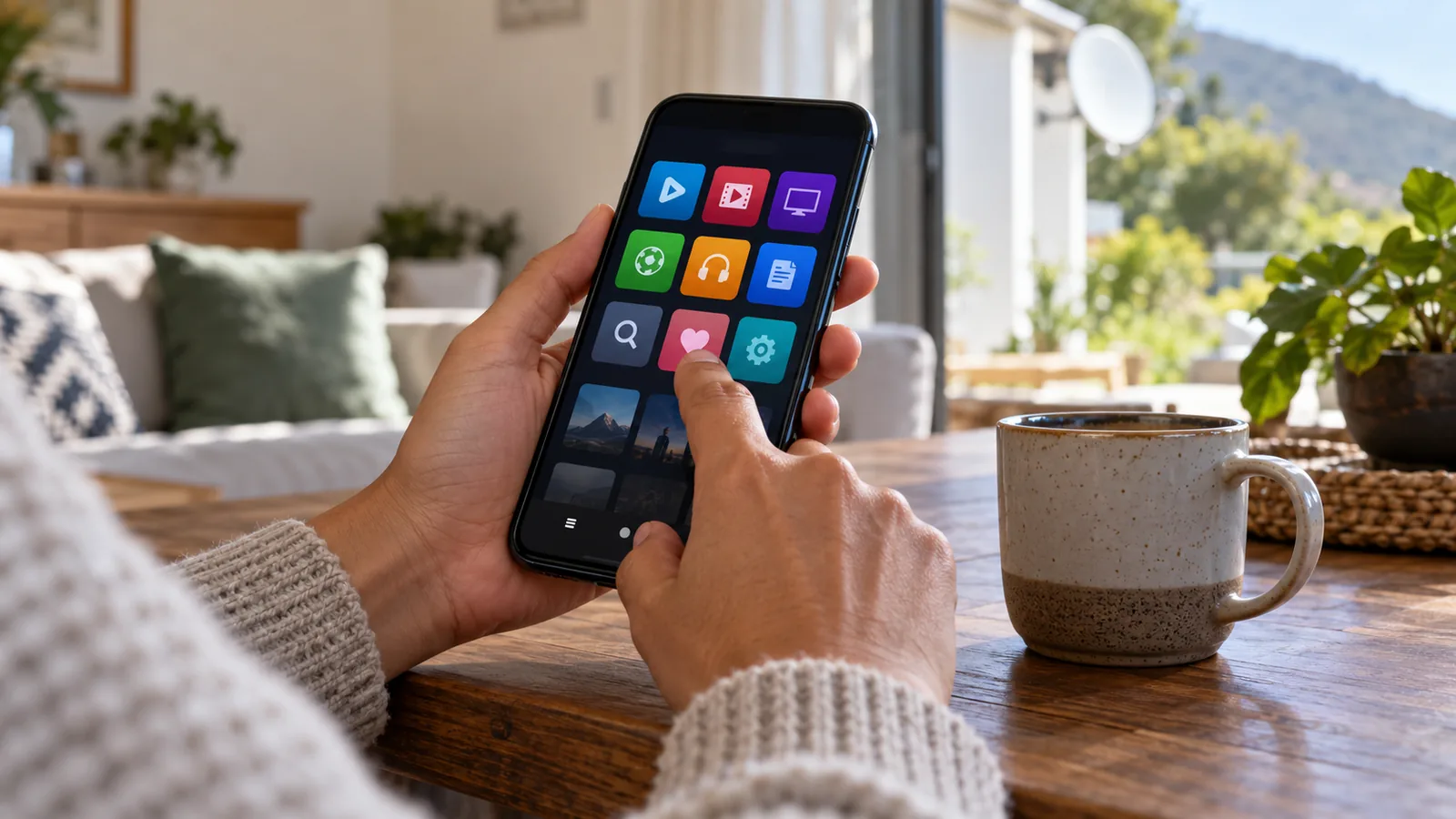
On your phone or tablet
This is where most people start. Download the app, sign in with the email or mobile number on your DStv account, and choose a channel. Turn on downloads over WiFi only in the settings, so a long series does not eat your data on the drive into town.
On a laptop
You do not need an app on a computer. Log in on the DStv website in a normal browser like Chrome, Edge or Safari. This is handy for a home office in a converted stable where there is no TV point.
The DStv app on TV screens
Many newer Samsung, LG and Hisense smart TVs, plus Android TV boxes, list the DStv app in their store. Install it and you will get a code to link the TV to your account.
Older TV? Cast from your phone or add a streaming stick. We cover wiring and settings in our post on linking a smart TV with your DStv setup.
Good to know
Your decoder still gives the steadiest picture. The DStv app on TV depends on your internet, so in a storm with a weak line it may buffer while the satellite feed keeps going.
Paying and clearing errors with the MyDStv app
The MyDStv app saves a trip to a pay point or a long wait on the phone. It shows your balance, due date and current package on the first screen. For homeowners in Sun Valley, Sunnydale or Capri who commute, it is the quickest way to keep the account in order.
- Open the MyDStv app and sign in with your ID number, email or smartcard number.
- Check the balance on the home screen and tap Pay to settle it by card or EFT.
- Switch the decoder on and leave it on a channel, not on a menu.
- Tap Fix Errors and pick the decoder you want to reset.
- Wait a few minutes with the TV on. The channels should return without a call.
The Fix Errors button is best for authorisation messages like E16, which show when a channel is not active on your decoder. It cannot fix a dish that has been knocked out of line. If you see E48-32 instead, the signal is not reaching the box and the problem is on the roof or in the cable, and a dish realignment in Noordhoek is usually the cure.
Technician tip
If you have two decoders in XtraView, make sure you reset the right one. The MyDStv app lists each by its smartcard number, so write the last four digits on a sticker under each box.
You can also change packages here. Upgrades kick in once paid, while downgrades start at the end of the month you already paid for. You can confirm this, and the other self-service options, on the official MyDStv app page.
Need DStv help in Noordhoek?
Tell us what you need or what your screen shows. We price the job before we drive out.
DStv app not working? Try these fixes first
Most problems we see with the DStv app are not faults with the app. They come from a weak connection, an old version or a login mix-up. Work down this list before you phone anyone.
- Update the app. Old versions stop playing after DStv pushes changes.
- Log out and log back in. This refreshes your package rights and fixes many blank screens.
- Check your account is paid. A lapsed account stops the DStv app as well as the decoder.
- Turn off any VPN. The app may refuse to play if it thinks you are outside the country.
- Restart the router. Unplug it for 30 seconds, then give it two minutes to come back.
- Clear the cache or reinstall. On Android and smart TVs, stored data can go stale.
- Check the date and time. A wrong clock on a TV box can block secure streams.
DStv app not working on the TV only
If the phone plays fine but the TV does not, the TV is the problem. Update its software, then reinstall the app. Some older smart TVs drop support for newer versions, and a cheap streaming stick is often the simplest way around that.
When the app is fine but the decoder is not
If the DStv app streams perfectly but the lounge decoder freezes, reboots or shows no signal, the box or dish needs attention. That is where our decoder repairs in the Noordhoek valley come in, as we test the box, cable and dish together.
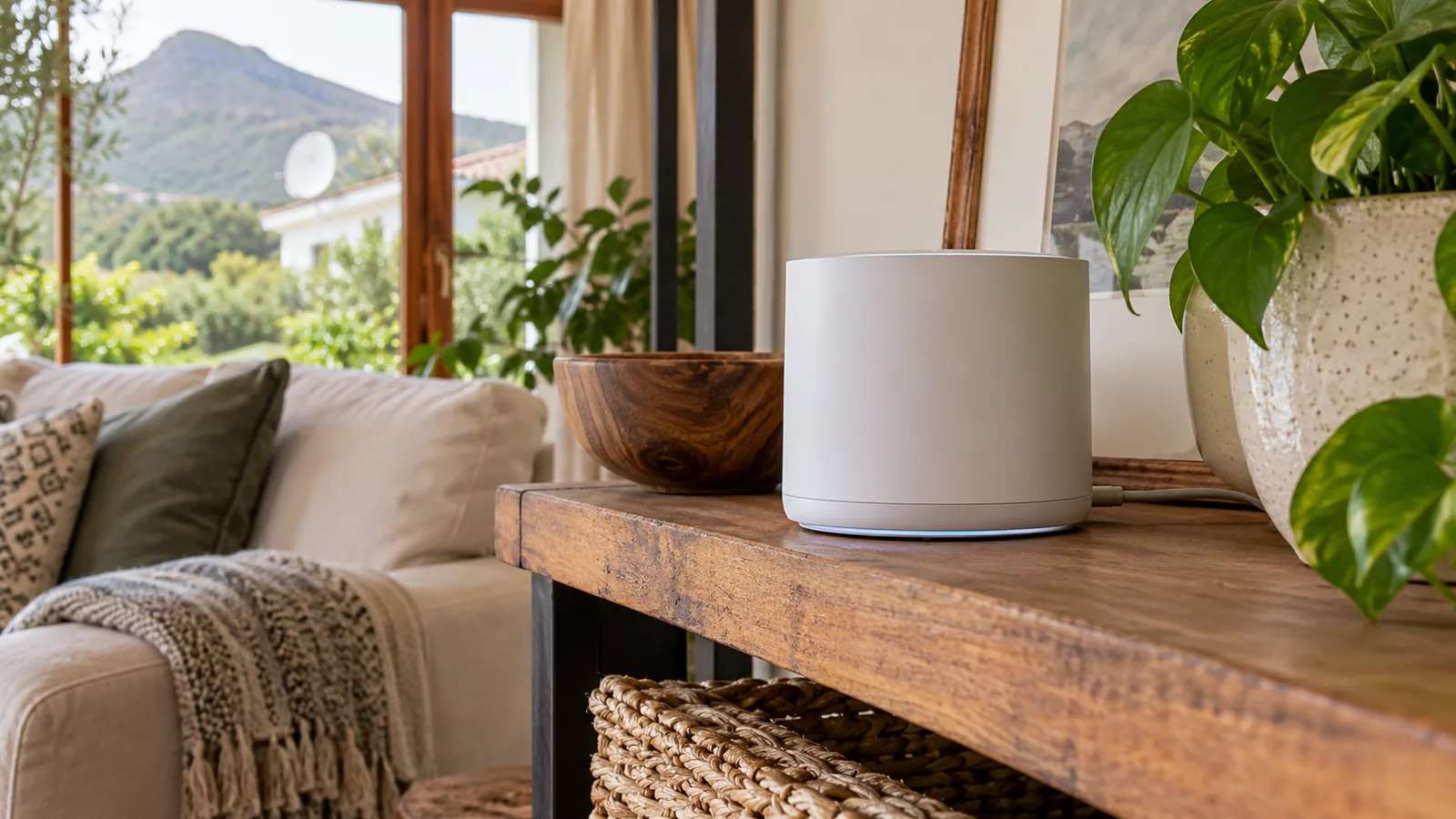
WiFi range on big Noordhoek properties
This is the part people forget. A smallholding in Crofters Valley or a plot near Belvedere can have the house, a cottage, a studio and a stable all spread out. One router in the main house rarely reaches them all, and thick farmhouse walls and thatch do not help.
When the DStv app keeps stopping in the cottage but plays well in the kitchen, poor WiFi is nearly always the cause. A video stream needs a steady signal, not just one bar that comes and goes.
- Mesh WiFi: several units that share one network name, placed around the house.
- Point-to-point link: a small outdoor radio pair that beams internet across the yard to an outbuilding.
- Network cable: the most reliable option where a trench or existing duct already runs to the cottage.
We plan these around your layout and trees. Our WiFi network setup for Noordhoek homes covers mesh units, outdoor links and cabling. For a deeper look at spreading signal over a big plot, see our post on mesh WiFi for large Noordhoek properties.
Safety first
Do not run network cable along fences or hang outdoor units from gutters yourself. Lightning and wet winters in the valley can push surges through badly earthed cables, so outdoor kit needs proper mounting and surge protection.
Smart LNBs, dishes and the DStv app in Noordhoek
Some people hope the DStv app will let them drop the dish completely. For many households it can, especially a student or a tenant with good fibre. But for live sport in a home with several TVs, the satellite feed is still the most reliable choice in the valley.
If you add an Explora or a second decoder later, the dish may need a new LNB. Our guide to the Smart LNB price and fitting in Noordhoek explains when that upgrade makes sense. And if part of the family only wants free channels in the cottage, compare the cost of an OpenView installation in Noordhoek before buying another decoder.

When to call a technician in Noordhoek
Apps are great for paying and fixing small errors. They cannot realign a dish after a winter front, replace a corroded connector or move a router to a better spot. Call us when:
- The MyDStv app reset has not cleared the error after two tries.
- You see E48-32 or no signal on the decoder.
- The DStv app works in the main house but not in the cottage, studio or guest suite.
- Your TV in Noordhaven or Lake Michelle needs to be set up on the estate's network.
We quote before we drive out. On a visit we test the signal with you, check the decoder and app on your TV, and show you where the weak WiFi spots are.
Book a DStv app and WiFi check in Noordhoek
If the apps still give you trouble, our team of DStv installers in Noordhoek can help with the decoder, the dish and the WiFi in one visit. We are often there the same or next day, depending on the schedule. Send a message through our Noordhoek contact page and tell us what is going wrong.
DStv app in Noordhoek: FAQs
What is the difference between the DStv app and the MyDStv app?
The DStv app is for watching. It streams live channels, Catch Up and downloads on your phone, laptop or smart TV. The MyDStv app is for managing your account. You use it to pay, check your balance, change packages and clear errors like E16. Most households install both and keep them signed in with the same DStv login details.
Why is my DStv app not working on my smart TV?
Most often the TV app is out of date, the internet is weak, or the login needs a refresh. Update the TV software, reinstall the DStv app and sign in again. Turn off any VPN and restart your router. If your phone streams fine but the TV still fails, the TV may be too old for the current app, and a streaming stick is the easier fix.
Can I watch the DStv app in Noordhoek without a dish?
Yes. A DStv Stream package lets you watch through the DStv app with no dish or decoder, as long as you have a stable internet connection. Fibre works best in the Noordhoek valley. If you already pay for a satellite package, streaming on the app is usually included, so you can watch on your phone when you are away from home.
How do I clear an error code with the MyDStv app?
Switch the decoder on and leave it on a channel. Open the MyDStv app, sign in and tap Fix Errors, then choose the decoder by its smartcard number. Wait a few minutes with the TV on. This clears authorisation errors like E16. It will not fix no-signal errors such as E48-32, which need a check of the dish and cable.
Is the DStv app free to use?
The DStv app is free to download. To watch, you need an active DStv subscription, either a satellite package or a DStv Stream package. Streaming uses data, so watch on WiFi where you can. Some content and the number of devices can be limited by your package, so check the details on dstv.com before you rely on it.
Why does the DStv app keep buffering in my Noordhoek cottage?
Buffering in a cottage or outbuilding is nearly always a WiFi range problem, not an app fault. Thick walls, thatch and distance from the main house weaken the signal. A mesh WiFi unit, an outdoor point-to-point link or a network cable to the cottage gives the steady connection that streaming needs. We can test the signal on site and suggest the simplest option.