Camera coverage based on real priorities
A useful CCTV system starts with the areas you need to observe, not with a box of identical cameras. We discuss entrances, gates, driveways, outbuildings and shared paths, then note where faces or vehicle movement need to be visible. Noordhoek properties can have long driveways, dense planting and separate buildings, so a single wide view may not capture useful detail. The survey also considers privacy, neighbouring property and spaces that should not be recorded.
Selecting practical camera positions
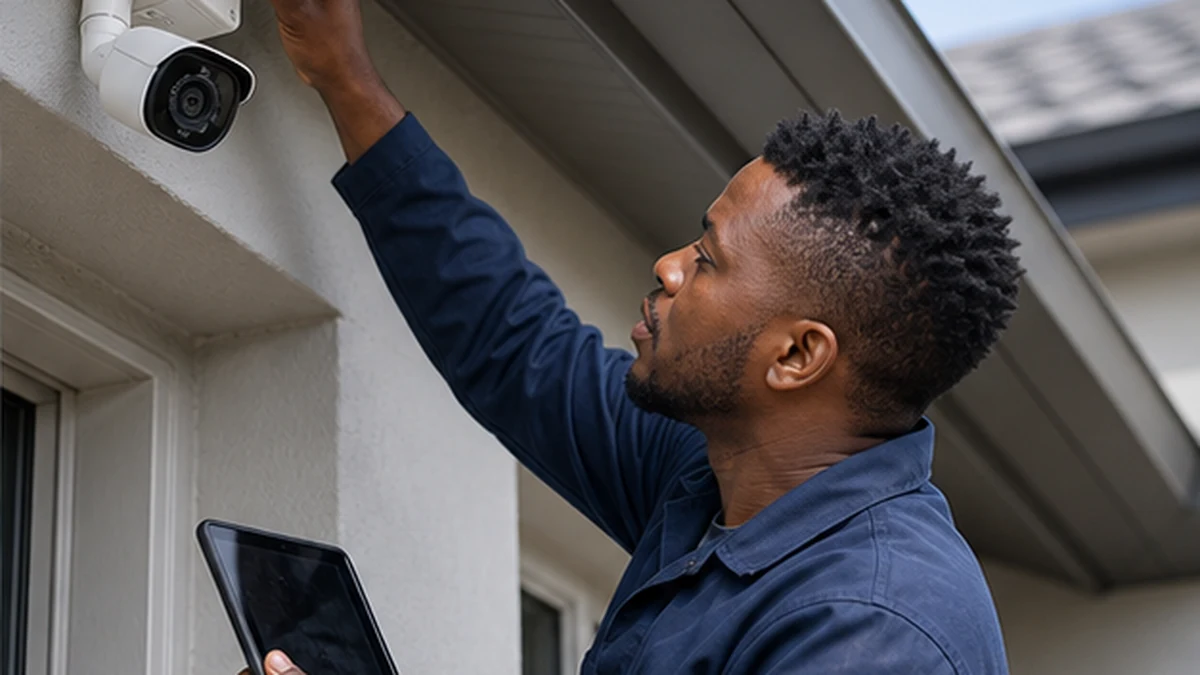
Height, angle, backlight and night lighting all affect the image. A camera mounted too high can show the top of a person’s head instead of a recognisable face. One aimed at bright afternoon sky may lose detail in the shaded foreground. We test likely views and plan mounts that are accessible for maintenance without being easy to tamper with. At properties near Long Beach, outdoor housings, connectors and fixings also need sensible protection from moisture and salt-laden air.
Wired and network camera planning
The right layout depends on distances, available routes and recording requirements. Wired cameras often provide dependable links, while network cameras can simplify some installations when the network is designed for them. We do not assume ordinary indoor WiFi will cover a gate or stable block. Where camera traffic needs better coverage or dedicated cabling, our can plan the data connection alongside the security system.
Recorder, storage and monitor setup
The recorder is placed in a ventilated, controlled location with the required camera feeds and display connection. Recording settings are matched to the agreed priorities, available storage and equipment capabilities. Retention time varies with resolution, frame rate, motion settings, camera count and drive size, so it should not be promised without calculation. If a dedicated monitor will be mounted, our can provide a secure, tidy display position.
Remote viewing and safer account setup
Where compatible equipment supports remote access, we assist with connecting the recorder or camera system to the local network and setting up the customer-facing app. Strong unique passwords, controlled user access and current device software are important. Remote viewing also depends on the customer’s internet service and the manufacturer’s platform. We explain these dependencies rather than presenting cloud access as guaranteed. For a combined security and connectivity project, so both parts can be scoped together.
Testing, aiming and user handover
Every agreed camera view is checked in daylight conditions available at the visit, and night settings are reviewed where the equipment allows. We confirm recording, playback and time settings, then show the authorised user how to find an event and export footage. Cable routes and power points are tidied, and camera names are made easy to understand. A short playback test confirms that recorded detail matches the live view and that the system clock is useful when searching an incident. The handover also covers basic cleaning, storage limits and the signs that a camera or recording channel needs attention.