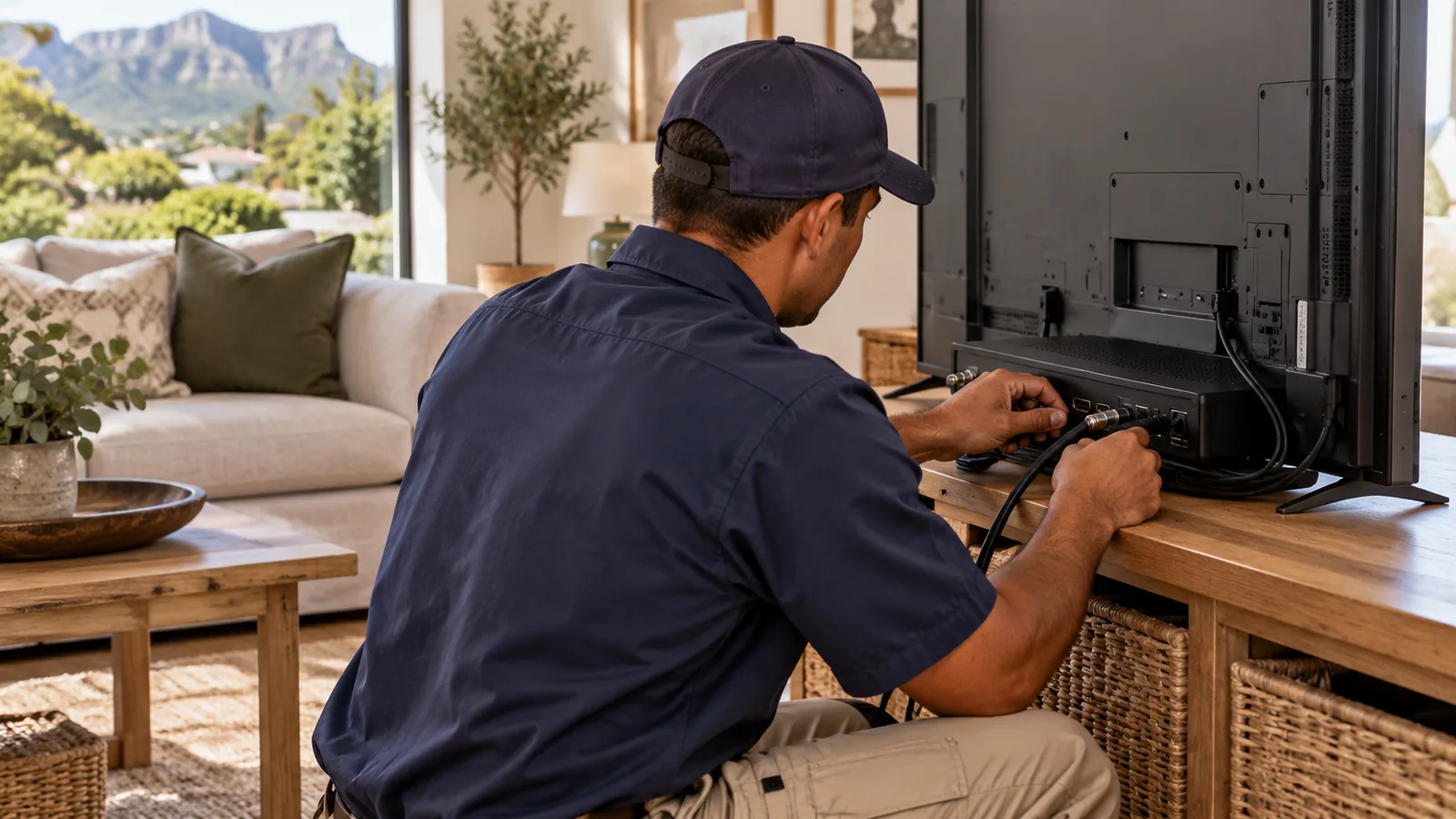
You have seen an Explora on special and you are tempted. Before you hand over your card, ask one question: what will it cost to get this box actually recording in my house? A DStv Explora installation is more than plugging in a decoder, and on a Noordhoek property with tall trees and a thatched roof, the details decide whether you get value.
Quick answer
A proper DStv Explora installation needs a Smart LNB, a well-aligned dish, clean RG6 cabling and a correctly run setup wizard. At the time of writing, budget roughly R1,500 to R2,400 for the installation, with the decoder bought separately. The Explora Ultra installs the same way but adds 4K, WiFi and apps.
Explora or Explora Ultra: Which Fits Your Noordhoek Home?
Both are recorders. Both need a Smart LNB. The difference is what you want on screen and how you watch. Here is a plain comparison, using promotion prices from early 2026 that may have changed since.
| Feature | Explora | Explora Ultra |
|---|---|---|
| Decoder price (promo, early 2026) | Around R1,499 | Around R2,999 |
| Picture | HD | 4K and HDR capable |
| WiFi | Network cable needed for extras | Built-in WiFi |
| Streaming apps | No | Yes |
| Recording space | Good for most families | About 110 hours |
| Smart LNB needed | Yes | Yes |
| Works in XtraView | Yes | Yes |
If your TV is not 4K, or your WiFi does not reach the lounge, the standard Explora is often the smarter buy. If you have a newer big screen and decent fibre, the Ultra makes more sense.
Still deciding between boxes? Our guide to the different DStv decoder types compares the HD, Explora and Streama options side by side.
Explora Ultra installation in older homes
An Explora Ultra installation in a farm-style home has one extra point to check: the WiFi signal at the TV. Thick walls in older valley houses can block WiFi, so we sometimes suggest a network cable or a mesh point.
The Smart LNB Is Not Optional for a DStv Explora Installation
This is where most self-installs fail, and why a DStv Explora installation needs the right parts. An Explora can record one channel while you watch another, so it uses several tuners at once. A normal single or twin LNB cannot feed them all. A Smart LNB can.
- No Smart LNB: the installation wizard stalls on the tuner screen, or recordings clash with live TV.
- Smart LNB, badly skewed: some tuners see signal and others do not.
- Smart LNB, properly set: every tuner locks on and recording works as intended.
At the time of writing, a Smart LNB sells for roughly R399 to R499. It is a small part of the DStv Explora installation bill, but skipping it is a false saving. Our page on the Smart LNB price explains the part in more detail.
Good to know
Smart LNBs are not usually suitable for shared communal systems in complexes. If you live in an estate with one shared dish, the body corporate system may need a different solution for an Explora.
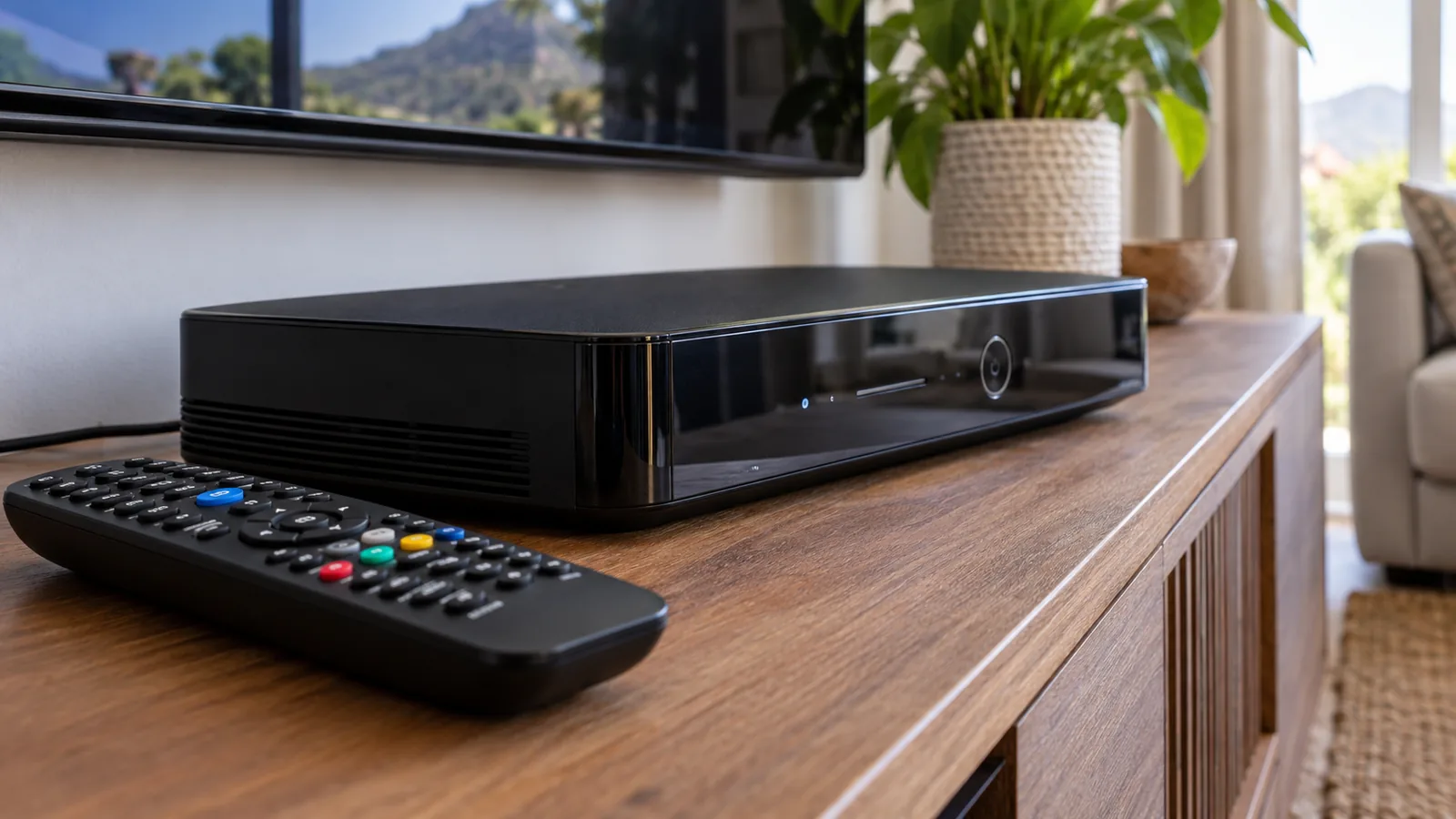
How We Install Explora at a Noordhoek Property
Every job is a little different, but when we install Explora properly the work follows the same order. Here is what to expect when our technicians arrive.
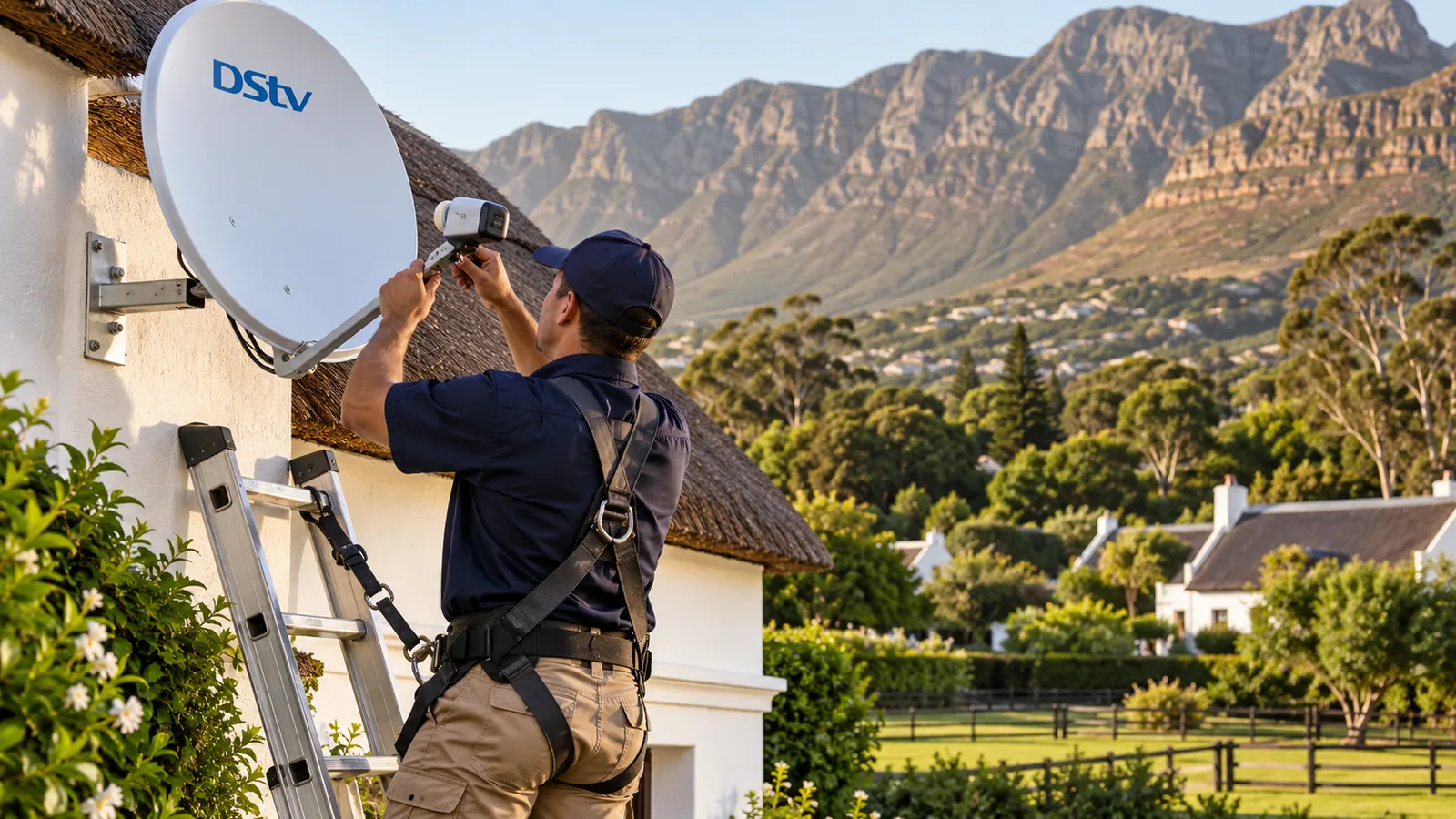
- Site check. We look for a clear view to the north-east, away from trees and the shadow of the mountains.
- Dish and bracket. We reuse a sound dish where we can, or fit a new one on a solid wall or pole.
- Smart LNB. Fitted on the dish arm and skewed correctly for this part of the Western Cape.
- Cable run. RG6 coax from the LNB to the decoder, clipped neatly and sealed at every outdoor joint.
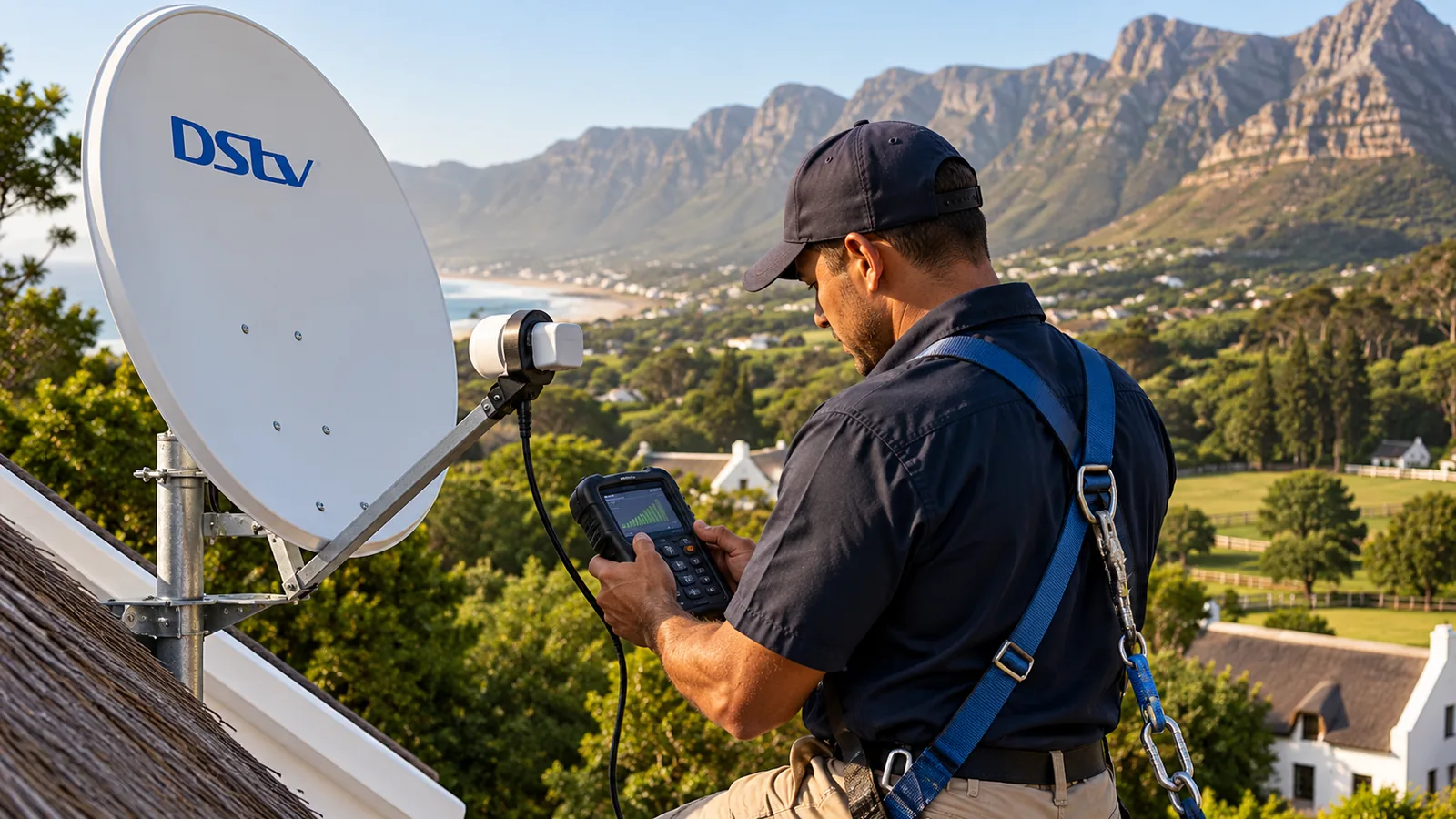
- Alignment. Fine-tuned on a signal meter until quality is strong on every tuner.
- Setup. We run the installation wizard, test live TV and make a test recording with you.
That last step matters. A box that shows live TV but fails to record is not finished. We do not leave until both work.
Safety first
Fitting an LNB means working at the top of a ladder with both hands busy. On thatch, high gables or wet gravel underfoot, that is dangerous. Please do not try to swap an LNB on a farmhouse wall alone, and keep well clear of any overhead power lines.
Our Explora installation service in Noordhoek covers all six steps, including reusing your existing dish where it is still in good shape.
Need DStv help in Noordhoek?
Tell us what you need or what your screen shows. We price the job before we drive out.
Explora Installation Price in Noordhoek, Line by Line
Let us be straight about money, because a DStv Explora installation is a real spend. The Explora installation price depends on your property, so we quote first. These are the ranges we use for budgeting, at the time of writing.
- Installation with Smart LNB: roughly R1,500 to R2,400, decoder bought separately.
- Smart LNB part: roughly R399 to R499 if you buy it yourself.
- Explora decoder: around R1,499 on the early 2026 promotion.
- Explora Ultra decoder: around R2,999 on the same promotion.
- Monthly Access Fee: R125 on top of your package.
What pushes the Explora installation price up in our area? Long cable runs to a cottage, thatched roofs, dishes that must move to clear tall trees, and extra TV points. What brings it down? A sound dish already in a good spot and cabling that can be reused.
Technician tip
When comparing quotes, check whether the Smart LNB, alignment on a meter and a test recording are included. A cheap quote that leaves out the LNB or skips the meter often costs more by the time it is fixed.
Running Explora in Noordhoek With XtraView and Recordings
Plenty of Explora owners in Noordhoek want TV in a second room, a granny flat or the main bedroom. XtraView lets two or three decoders share one subscription, with each watching a different channel.
- Two decoders on XtraView pay your package plus one Access Fee.
- If one of them is an Explora, which already carries the Access Fee, the second decoder costs nothing extra per month.
- Three decoders pay the package plus two Access Fees.
- Linked decoders must stay connected. If they lose contact, a linking error appears.
Our XtraView installation service sets up the second decoder on the same Smart LNB, with its own user band so the boxes do not clash.
Getting the most from your recordings
Set series recordings for shows you never want to miss. Keep an eye on the storage bar, and clear old recordings now and then. During heavy rain, a recording may glitch if the signal fades, which is why good alignment during the DStv Explora installation pays off later.
Common DStv Explora Installation Mistakes We Fix in Noordhoek
A fair share of our Explora call-outs are not new jobs. They are setups someone else started, or that a homeowner tried to install Explora on without the right parts. These are the faults we see most often around the valley.
- The old LNB left on the dish. The box powers up, but the wizard never gets past the tuner check.
- Cable in the wrong Smart LNB port. Live TV works, yet recordings fail or clash.
- A dish aimed by eye. Fine on a dry day, then the picture breaks up in the first winter front.
- A branch in the way. Gums and pines grow fast, and a clear view last year may be blocked now.
- Unsealed outdoor joints. Valley mist gets in and the signal slowly fades.
Each of these is fixable, usually in one visit. The cheapest fix, though, is to get the DStv Explora installation right the first time, with the correct LNB, a meter and sealed connectors from day one.
After Your DStv Explora Installation: Activation and Packages
A new Explora must be linked to your account before it shows channels. Our guide on how to activate a DStv decoder walks you through it. Then pick a package that suits how you watch.
Families who want variety without live sport often choose the DStv Select package for Noordhoek homes.
Former Compact viewers should read about where the Compact channels went in the 2026 changes. Prices and channels can change, so confirm on the official DStv website.
Book Your DStv Explora Installation in Noordhoek
Our DStv installers in Noordhoek work across Noordhaven, Crofters Valley, Belvedere, Lake Michelle and Fish Hoek. We quote before we drive out, align on a meter, make a test recording with you and tidy every cable.
Send us a photo of your dish and TV area through our contact page, and we will come back with a clear quote for your Explora or Explora Ultra.
DStv Explora installation in Noordhoek: FAQs
How much does a DStv Explora installation cost?
At the time of writing, a DStv Explora installation with a Smart LNB usually budgets roughly R1,500 to R2,400, depending on the roof, the cable run and how much existing equipment can be reused. The decoder is normally bought separately. Long runs, thatch or high gables push the price up, so we always quote first after seeing photos or the property.
Can I do a DStv Explora installation myself on my old dish?
You can plug an Explora into an existing dish, but it will only work properly if a Smart LNB is fitted and the dish is well aligned. A standard LNB cannot feed all the Explora tuners, so the wizard will fail or recordings will clash. Most people who try a self-install end up calling us to swap the LNB anyway.
Is a DStv Explora installation in Noordhoek different from other areas?
The steps are the same, but Noordhoek homes bring their own challenges. Tall gum and pine trees block the view to the satellite, thatched roofs need careful fixings, and cottages may sit far from the main house. We plan the dish position around those things so your Explora keeps recording through wet winter fronts.
What is the difference between Explora and Explora Ultra?
Both record shows and need a Smart LNB. The Explora Ultra adds 4K and HDR picture, built-in WiFi, streaming apps and room for about 110 hours of recordings. The standard Explora is cheaper and still a solid recorder. At the time of writing, promotions listed the Explora around R1,499 and the Explora Ultra around R2,999.
Do I pay extra each month for an Explora?
Yes. An Explora or Explora Ultra carries the DStv Access Fee, R125 per month at the time of writing, on top of your package. The good news is that if you add a second decoder in XtraView, you usually do not pay a second Access Fee, because the Explora already covers it.
How long does an Explora installation take in Noordhoek?
A standard Explora installation on a house wall usually takes two to three hours, including fitting the Smart LNB, aligning the dish on a meter, running the wizard and testing recordings. Adding XtraView, a second room or a long run to a cottage in Noordhoek adds time. We often fit you in the same or next day, depending on the schedule.