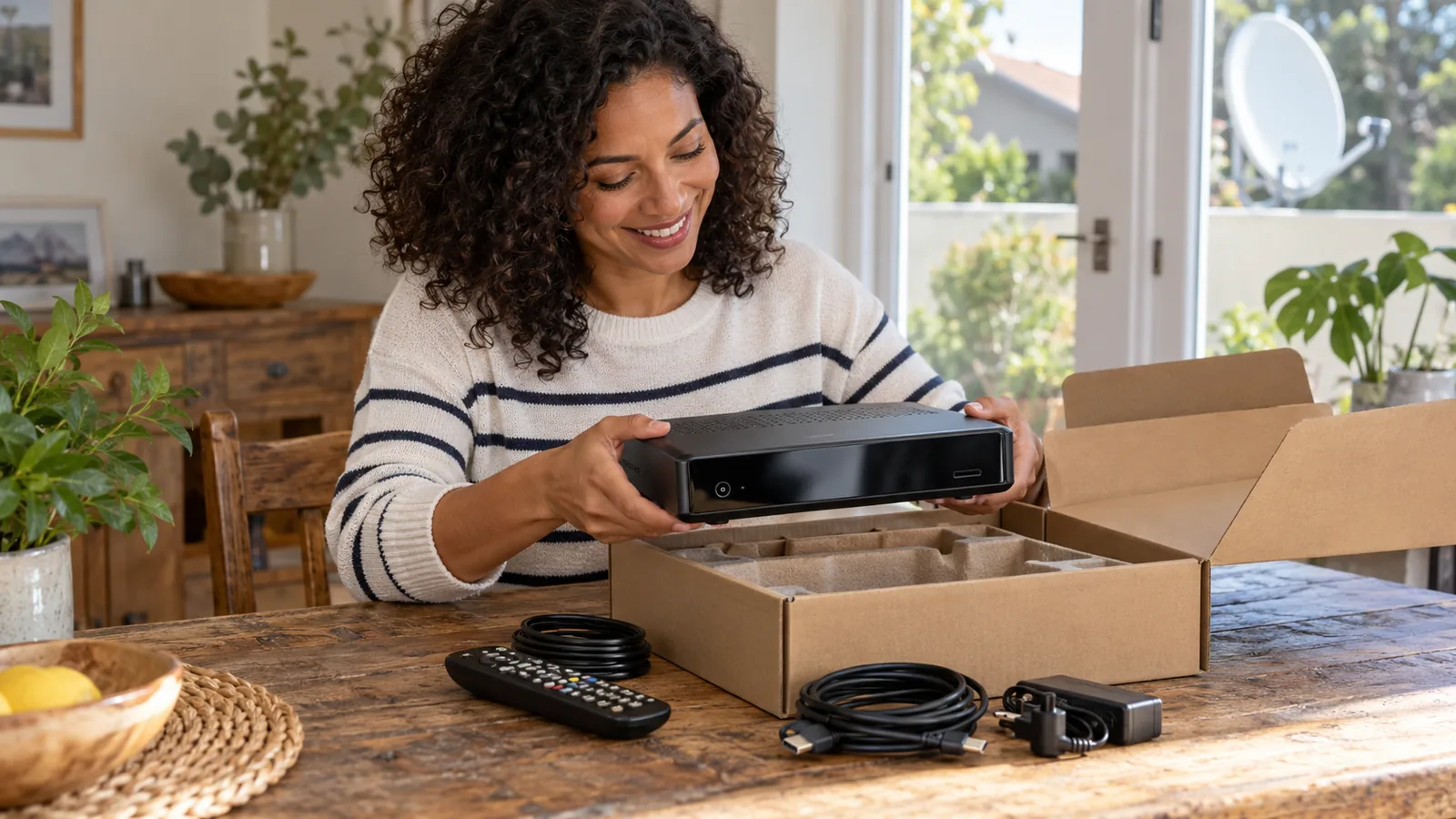
The new decoder is out of the box, the TV is on, and the screen says the service is not active. Take a breath. Learning how to activate DStv decoder boxes is mostly about having two numbers ready and giving the system a few minutes. Most Noordhoek households get it done from the couch, even on a misty evening.
Quick answer
Here is how to activate DStv decoder boxes: connect the decoder to a dish with a clean signal, switch it on, and note the smartcard and decoder numbers. Then add it to your account in the MyDStv app, on dstv.com, through DStv WhatsApp or by calling DStv. Leave it on a channel for up to an hour while the signal is sent.
How to activate DStv decoder boxes in Noordhoek: what you need first
The first rule of how to activate DStv decoder boxes is simple: activation only works when the box can hear the satellite. If the decoder shows E48-32 or no signal, no amount of app tapping will help. Check these first.
- A dish with a clear view to the north-east, not blocked by trees or the mountain.
- The cable from the dish screwed firmly into the LNB IN port on the decoder.
- The smartcard inserted with the chip facing down and in, as shown on the slot.
- Your ID number or DStv account number, which you need for any new decoder setup on an existing account.
- A paid-up account, or a card ready to pay for your first month.
Tall gums along the driveways of Crofters Valley and the Chapman's Peak shadow over parts of the valley can make a signal weaker than it looks. If you are not sure the dish is right, our post on DStv cable connections in Noordhoek shows which cable goes where.
Find your smartcard and decoder numbers
DStv identifies your box by two numbers, and you cannot activate decoder boxes without them. You need at least the smartcard number, and some channels ask for the decoder number too. Write both down before you start.
| Number | Where to find it | What it does |
|---|---|---|
| Smartcard number | Printed on the card, and on the decoder's information screen | Links your subscription to the card |
| Decoder number | Sticker under the decoder or on the box, and on screen | Pairs the card to that exact box |
| Account number | Your DStv statement or the MyDStv app | Shows which account the box belongs to |
On most decoders, press the DStv or Menu button, go to Settings and look for Information or System Information. Both numbers appear there, which saves you crawling behind the TV unit.
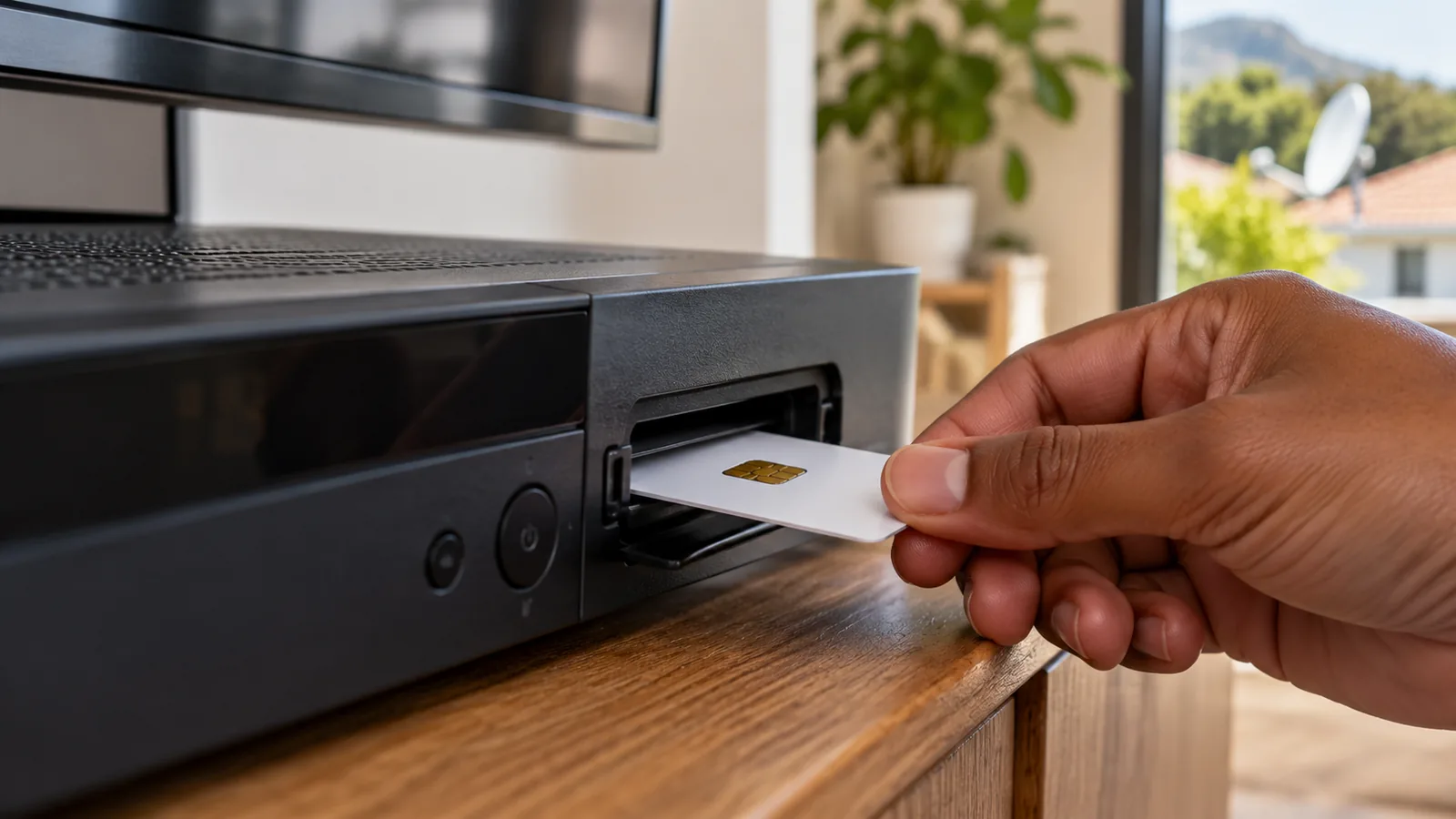
How to activate DStv decoder boxes in 6 simple steps
This is the order we follow when we set up a box for a client in Noordhaven or Sun Valley. It is how to activate DStv decoder boxes whether they are brand-new or a replacement on an existing account.
- Connect and power up. Plug the dish cable into LNB IN, the HDMI into the TV and switch on.
- Run the setup. Follow the on-screen installation wizard until the box finds the satellite.
- Check the signal. In settings, signal quality should be well above the red zone.
- Note your numbers. Write down the smartcard and decoder numbers from the information screen.
- Request activation. Add the decoder in the MyDStv app, on dstv.com, through DStv WhatsApp or by phone.
- Wait on a channel. Leave the decoder on and tuned to a channel, not a menu, for up to an hour.
Step two trips up more people than you would expect. If the wizard asks about LNB type or satellite settings, our walk-through of the DStv installation wizard in Noordhoek takes you through each screen.
Technician tip
Do not switch the decoder off or unplug it while you wait. The activation signal comes down from the satellite, and a box that is off or on a menu screen will miss it. If nothing happens, send it again rather than waiting all night.
How to activate DStv decoder service: app, website, WhatsApp or call
All four routes do the same thing. Pick the one you find easiest, and keep the decoder on a channel while you use it.
The MyDStv app
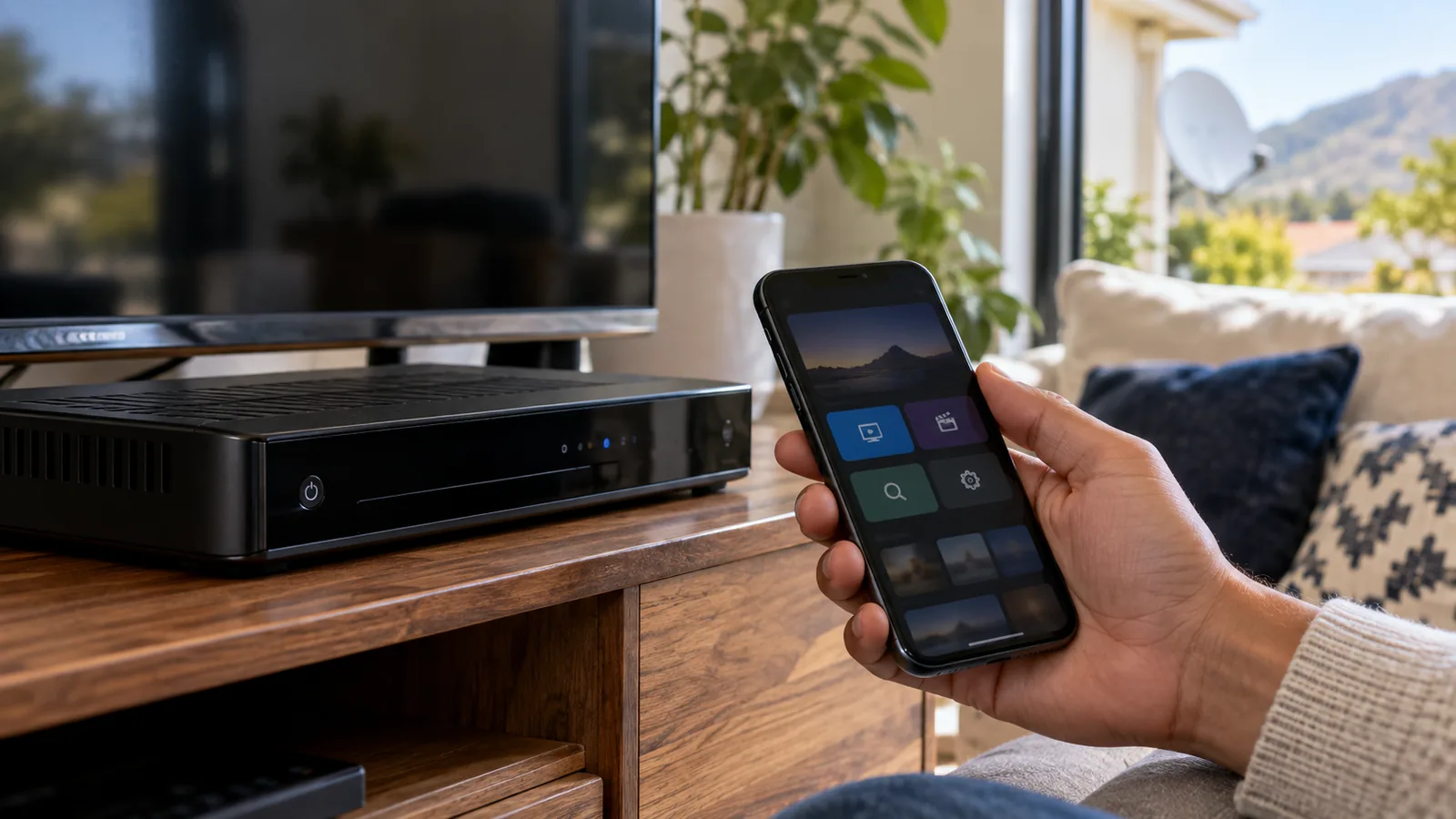
For most people, this is the quickest way to activate decoder boxes. Sign in, find the option to add or manage a decoder, and enter the smartcard number. The same app also pays your account and clears errors later. Our guide to the DStv app and MyDStv app in Noordhoek explains what each app does.
The DStv website
Log in to your account on the official DStv website and use the self-service section. This suits a laptop in the home office if your phone is low on data.
WhatsApp and the call centre
DStv also offers self-service on WhatsApp, which walks you through the steps in a chat. If you prefer a person, call DStv customer care and have your ID and smartcard number ready. Brand-new customers who want a contract deal may need to call.
Need DStv help in Noordhoek?
Tell us what you need or what your screen shows. We price the job before we drive out.
How to activate DStv decoder boxes bought second-hand in Noordhoek
Buying a used decoder from a neighbour in Fish Hoek or a classifieds ad can save money. It can also become a headache if the box is still tied to someone else's account. Before you pay, ask a few questions.
- Has the seller removed the decoder and smartcard from their DStv account?
- Does the smartcard come with the decoder? They are paired, so a missing card means a new one.
- Is it a current model that supports the 2026 packages?
- Can you see it switch on and show a picture before you buy?
DStv decoder activation for a used box follows the same steps as a new one, once it is free of the old account. In other words, a box from a neighbour is handled just like one from a shop. If the box was reported lost or stolen, DStv may refuse to activate it. In that case, stop and contact DStv rather than trying again and again.
Good to know
If the seller has moved away and cannot be reached, DStv customer care can tell you what is needed to move the box to your name. Keep the seller's name and the receipt in case you are asked for them.
Errors after you activate your DStv decoder in Noordhoek
Sometimes the box is activated on the account but the TV still shows an error. Here are the ones we see most in the valley, and what they usually mean.
E16, such as E16-4
The channel is not authorised on your decoder yet. Check the account is paid, then use Fix Errors in the MyDStv app or the Fix Errors option on dstv.com with the decoder on a channel. This clears most cases within minutes.
E48-32
No signal is reaching the decoder. The activation is fine, but the dish, LNB, cable or a connector is the problem. After heavy rain or wind, wait an hour.
If it stays, the dish probably needs attention. Our article on DStv signal problems in the Noordhoek valley explains why trees and winter fronts cause this.
Smartcard errors: E51 and E141-4
E51 means the decoder cannot read the smartcard. Take it out, wipe the chip with a dry cloth and reinsert it the right way. E141-4 means the card and decoder are not paired, which often happens with a second-hand box or a swapped card. If the card is clean and paired but still not read, our decoder repair service in Noordhoek can test the card slot.
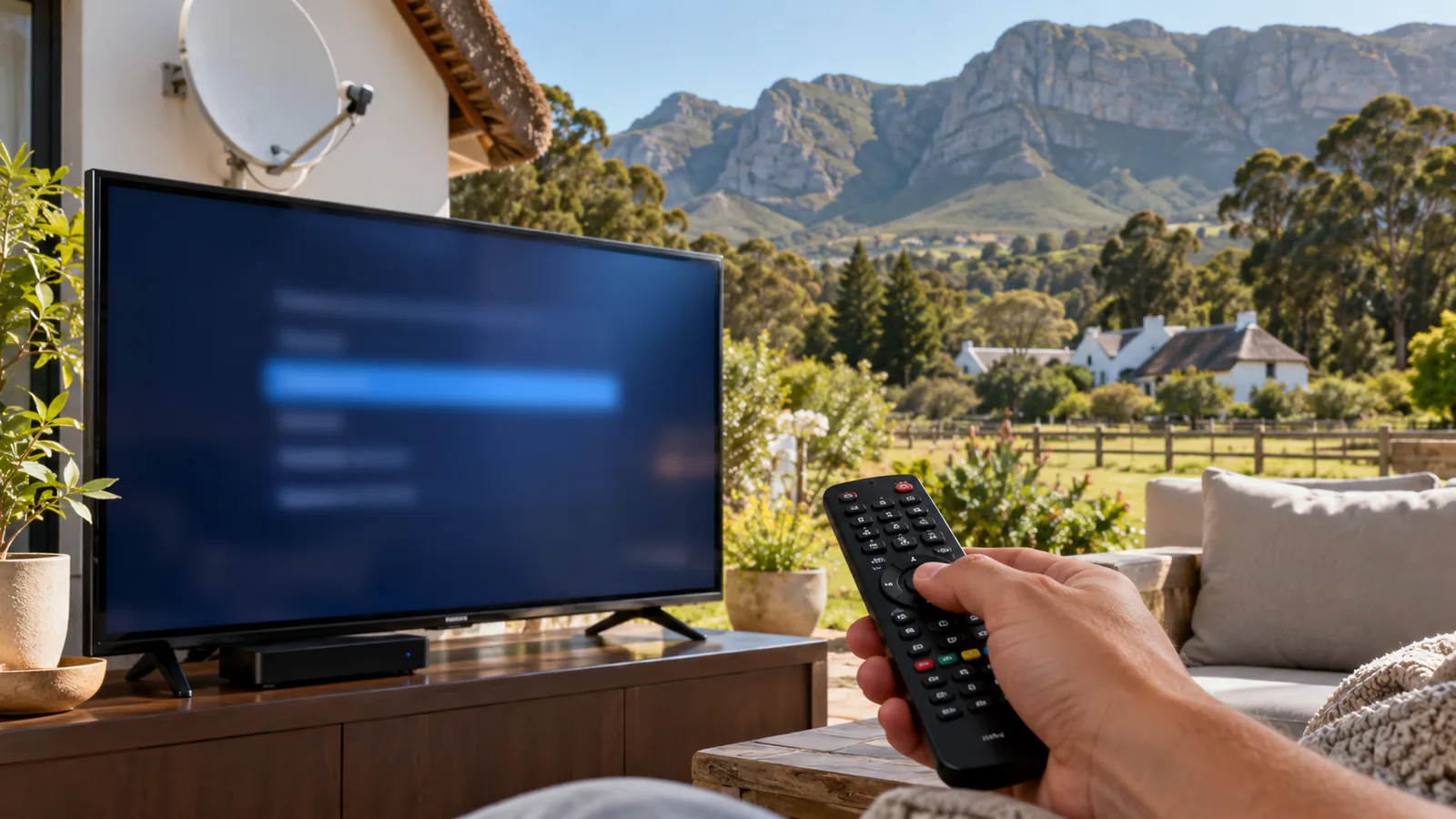
Why DStv decoder activation sometimes fails
When the signal is fine and the numbers are right but nothing changes, one of these is usually the cause. Knowing how to activate DStv decoder boxes is only half of it; the account and wiring need to be right too.
- The account has an unpaid balance, even a small one.
- The decoder was turned off or left on a menu while the signal was sent.
- The smartcard number was typed with a digit wrong.
- The box belongs to another account and has not been released.
- A weak signal on rainy evenings drops the activation message.
On larger plots in Belvedere and Capri, we sometimes find an old, damp cable to the cottage is the real culprit. The box flickers in and out of signal, which looks like an activation problem but is a wiring one.
Safety first
If you suspect the dish has moved, do not climb onto a thatched or wet roof to check it. Look from the ground and leave any adjustment to someone with a proper ladder, harness and signal meter.
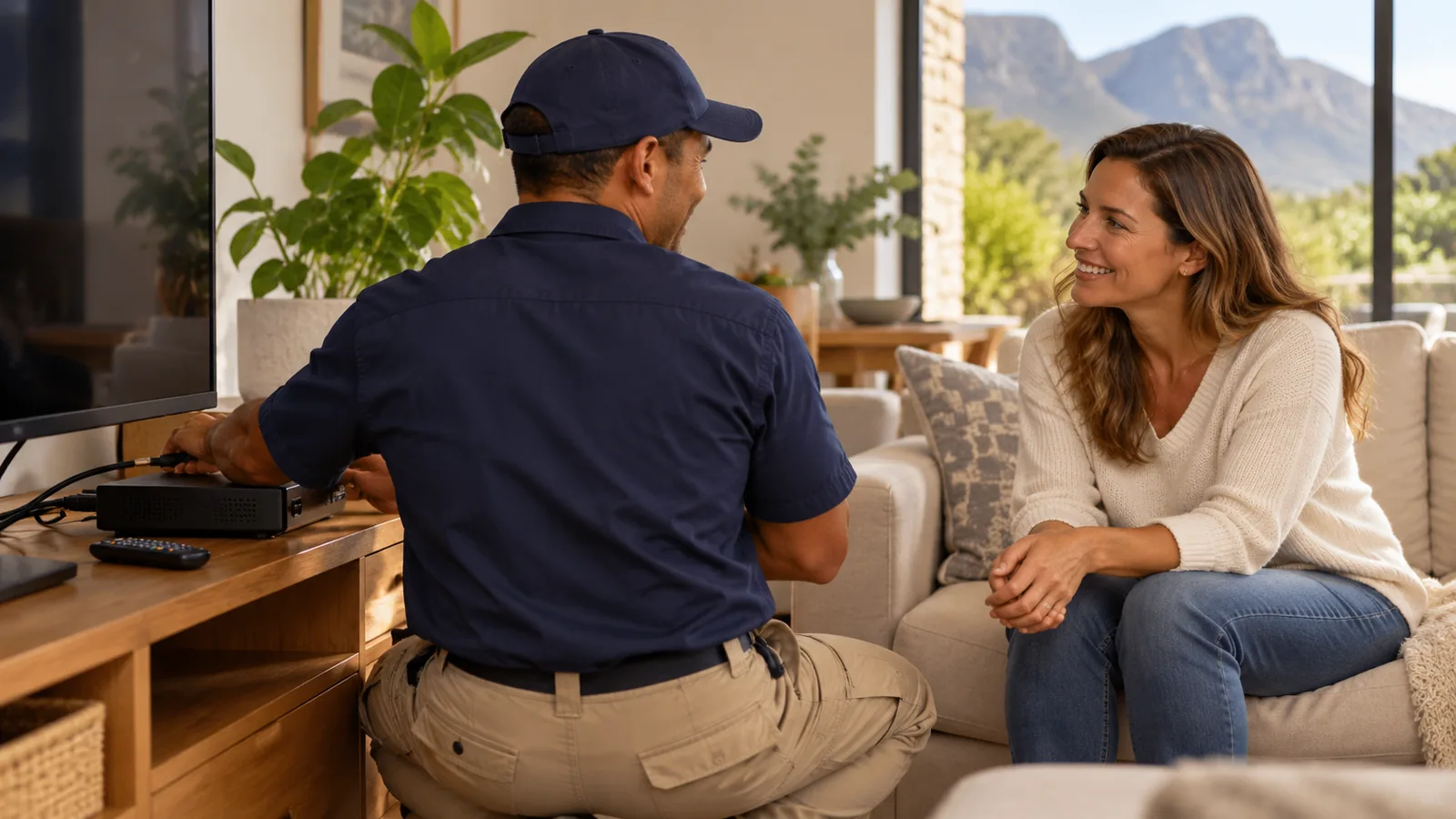
When to call us for an installation check
If you have tried twice and the box still will not come alive, it is time for a second pair of eyes. We test the box, smartcard, cable and dish together, so we find the actual fault.
For a new home or a box that has never had a dish, our DStv installation in the Noordhoek valley covers the dish, cabling, new decoder setup and activation in one visit.
Book help with your decoder in Noordhoek
Our local team of DStv technicians in Noordhoek can usually get to you the same or next day, depending on the schedule. We quote first and test every TV with you before we leave. Tell us what the screen says through our Noordhoek contact form.
how to activate DStv decoder in Noordhoek: FAQs
How to activate DStv decoder online in South Africa?
Here is how to activate DStv decoder boxes online. Switch on the decoder, make sure it has a signal and leave it on a channel. Log in to the MyDStv app or dstv.com, choose the option to add or manage a decoder, and enter the smartcard number. Activation usually comes through within minutes, but can take up to an hour.
How long does DStv decoder activation take?
Most decoders come alive within a few minutes, but it can take up to an hour. The decoder must be switched on, connected to a working dish and tuned to a channel, not a menu. If nothing has changed after an hour, check the account is paid and send the activation again from the MyDStv app or dstv.com.
How to activate DStv decoder for the first time in Noordhoek?
In Noordhoek, how to activate DStv decoder boxes for the first time starts with the dish. Make sure it has a clear view past trees and the mountains, then connect the decoder, run the setup wizard and check signal quality. Add the smartcard number in the MyDStv app or on dstv.com and leave the box on a channel while activation comes through.
Can I activate a second-hand DStv decoder?
Yes. The steps for how to activate DStv decoder boxes bought used are the same as for a new one, as long as the seller has removed it from their account and the original smartcard comes with it. If the box was reported lost or stolen, DStv may refuse to activate it. Ask to see it working before you pay.
Why does my DStv show E16 after I activate the decoder?
E16 means the channel is not yet authorised on your decoder. Check your account is paid, then leave the decoder on a channel and use Fix Errors in the MyDStv app or on dstv.com. It usually clears within minutes. If it does not, check the smartcard number on your account matches the card in the box.
Who can help me with how to activate DStv decoder setups in Noordhoek?
DStv customer care handles the account side by app, website, WhatsApp or phone. If you know how to activate DStv decoder boxes but the screen still shows errors, the dish, cable or signal is usually to blame. Our Noordhoek team tests the signal, checks the smartcard and finishes activation with you on site, and we quote before we drive out.