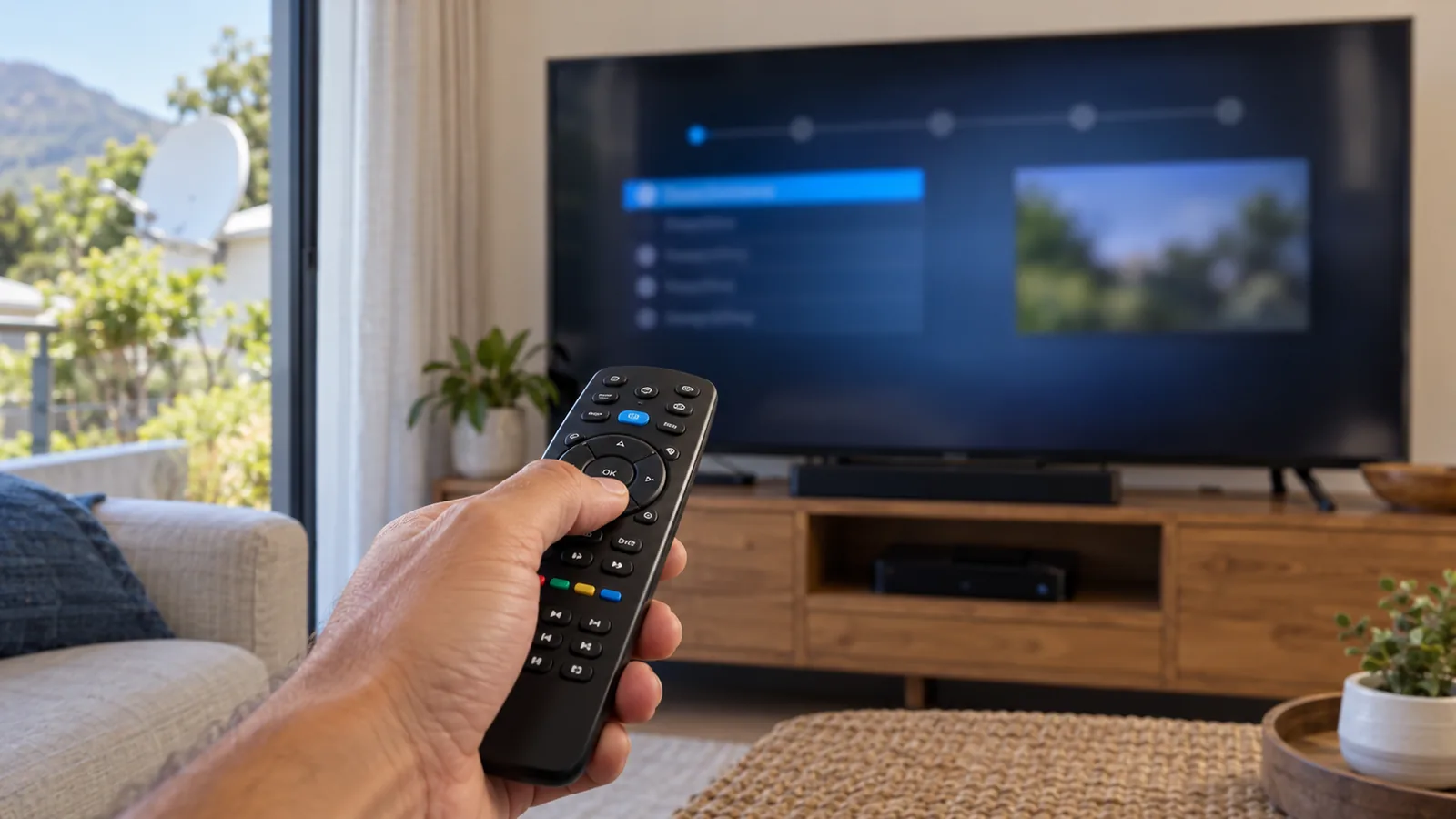
The power tripped during a winter storm, the decoder came back on, and now the TV shows a setup screen you have never seen before. That screen is the DStv installation wizard. It looks technical, but it is really a short list of questions about your dish. Take a breath, keep the remote handy and work through it slowly with us.
Quick answer
The DStv installation wizard tells your decoder what dish and LNB it is connected to, then tests the signal and scans for channels. Run it after a factory reset, a move or an LNB change. Pick IS20 as the satellite and the LNB type that matches your dish. If the signal test shows nothing, stop: the dish or cable is the problem.
What the DStv Installation Wizard Actually Does
Your decoder does not know what is on your roof. The DStv installation wizard is how you tell it, and it is the heart of any decoder setup. In a few screens it learns where to look in the sky, what kind of LNB sits on the dish, and which channels it can find.
- Language and region. Basic settings for menus and the TV guide.
- Satellite. In South Africa this is IS20, the Intelsat 20 satellite at 68.5 degrees East.
- LNB type. Universal for most single-view setups, Smart LNB or Unicable for an Explora.
- Signal test. A screen with strength and quality bars.
- Channel scan. The decoder searches and stores the channels.
Nothing in that list moves the dish or repairs a cable. That is the most useful thing to remember. The DStv installation wizard only changes settings inside the box.
When to Run the DStv Installation Wizard in Noordhoek
You do not need the DStv installation wizard often. Most homes in Noordhoek go years without seeing it. These are the times it is the right tool.
- After a factory reset decoder routine, when every setting has gone back to new.
- After moving house, so the decoder learns the new dish. Our DStv relocation checklist covers the rest of the move.
- After a technician swaps the LNB, for example to a Smart LNB.
- When the decoder asks for it by itself after a software update or power cut.
- When channels are missing after a change to your setup.
When not to run it
If your picture was fine yesterday and today shows an E48-32 no signal error, the wizard is rarely the answer. Something outside has changed. Running the DStv installation wizard again and again on a missing signal only resets settings that were already correct.
Technician tip
Before you change anything, open the signal or settings screen and photograph it with your phone. If the DStv installation wizard goes wrong, you can put the old LNB type and settings back exactly as they were.
A Calm Walk Through the DStv Installation Wizard Screens
The exact menu names differ between models, so treat this as a guide, not a script. On most decoders you reach the wizard through the DStv or Menu button, then Settings, then Satellite Settings or Installation.
- Choose your language and press OK.
- Select IS20 as the satellite for South Africa.
- Pick quick setup unless a technician has told you otherwise.
- Choose the LNB type that matches your dish. Do not guess.
- Watch the signal test screen. Wait for the bars to settle.
- Start the channel scan and let it finish without pressing buttons.
On a single HD decoder, that is usually the whole decoder setup. It takes a few minutes. When the scan ends, try channel 100 and a couple of others to check the picture is steady.
The LNB screen is where most people go wrong
Choosing the wrong LNB type is the commonest DStv installation wizard mistake we see. A normal dish with a single or twin LNB uses the Universal setting. A Smart LNB, which an Explora needs, uses the Unicable or Smart option. Pick the wrong one and the signal test stays empty, even with a perfect dish.
Not sure what is on your dish? Look at the LNB itself or compare it with photos in our guide to the DStv Smart LNB and what it costs. The label on the LNB body usually names the type.
The Installation Wizard Explora Owners See
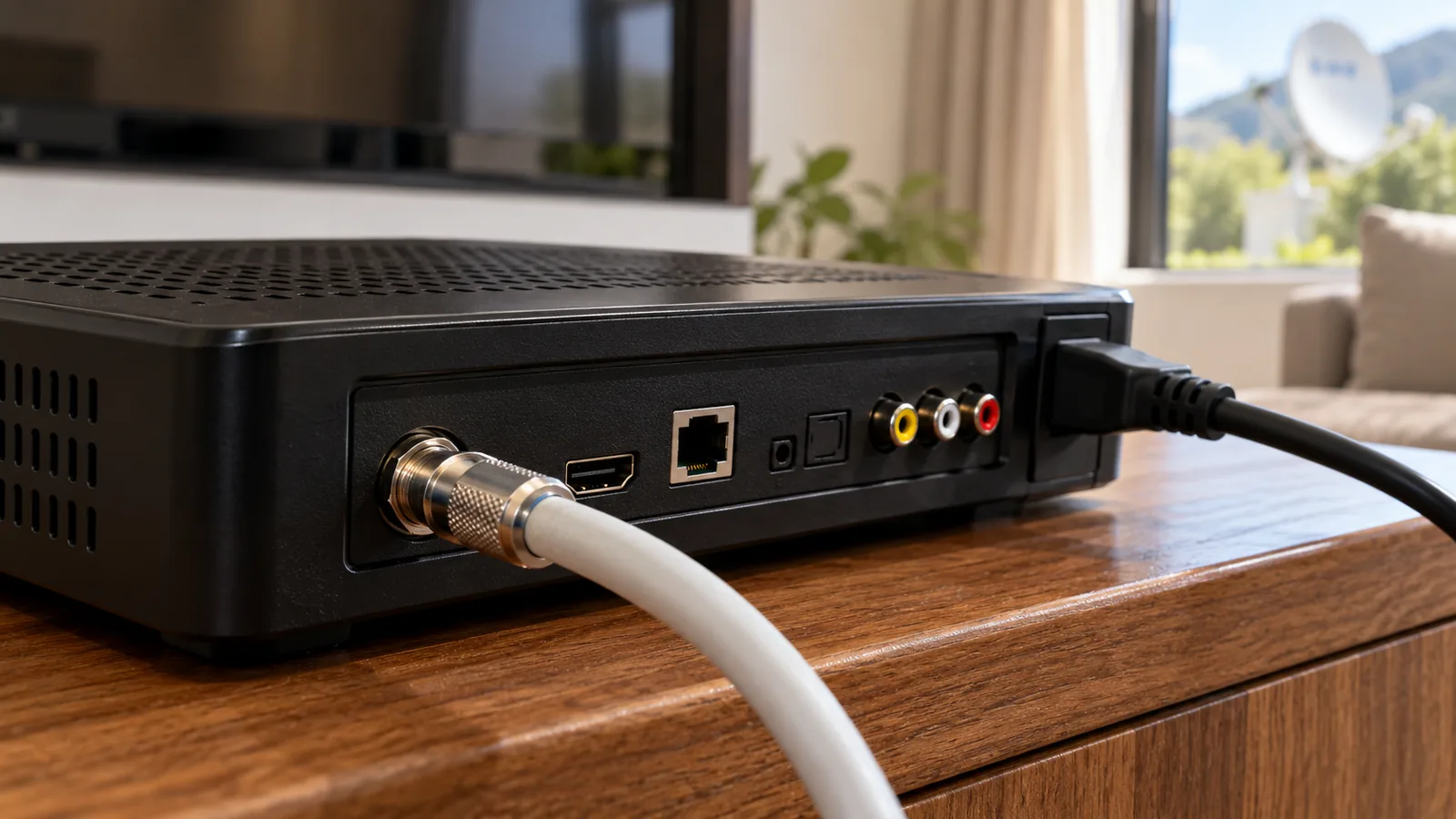
The installation wizard Explora decoders run has an extra step. Because an Explora can record one channel while you watch another, it has more than one tuner. Its wizard checks each tuner separately before the channel scan starts.
- Choose the Unicable or Smart LNB option on the LNB screen.
- Wait until every tuner shows a signal. Do not skip ahead.
- If you also have an XtraView decoder, its user band settings must differ from the main Explora.
- If one tuner shows nothing, the cable may be in the wrong port on the Smart LNB.
An Explora Ultra follows the same pattern, with an extra network step for its apps. If you are setting up a new box rather than fixing an old one, our Explora installation guide for Noordhoek covers the full job from dish to recordings.
Need DStv help in Noordhoek?
Tell us what you need or what your screen shows. We price the job before we drive out.
Good to know
The installation wizard Explora boxes use will not finish properly on a standard LNB. If someone has swapped your Smart LNB for a cheaper universal one, the wizard will keep failing on the tuner screen until the right LNB goes back on.
Reading the Signal Test Results in Noordhoek
The signal screen is the most honest part of the DStv installation wizard. It shows two bars, and they tell you different things.
| What you see | What it usually means | What to do |
|---|---|---|
| Strength and quality both high and steady | Dish, LNB and cable are working | Carry on with the scan |
| Strength high, quality low | Signal is arriving but is noisy, often a damp joint or slight misalignment | Finish the scan, then book a check |
| Both bars jump up and down | Loose connector, wind on the dish or rain fade | Wait for dry weather and check the cable |
| Both bars at zero | Wrong LNB setting, no cable, or no signal from the dish | Check the LNB type, then stop |
Quality matters more than strength. In the valley, heavy rain from a winter front can drop quality for an hour, so a weak reading in a downpour is not always a fault.
Factory reset decoder: last resort, not first
A factory reset decoder step wipes favourites, parental locks and other settings. It helps when menus freeze or the box keeps restarting. It does nothing for a weak signal. Try a simple power restart at the wall first, wait a minute, then switch on again.
When the Dish Is the Issue, Not the DStv Installation Wizard
Noordhoek has tall gums and pines, and they keep growing. Chapman's Peak and the surrounding mountains also cast long afternoon shadows over parts of the valley, and the dish needs a clear view up toward the north-east. A dish that worked five years ago can slowly lose its view.
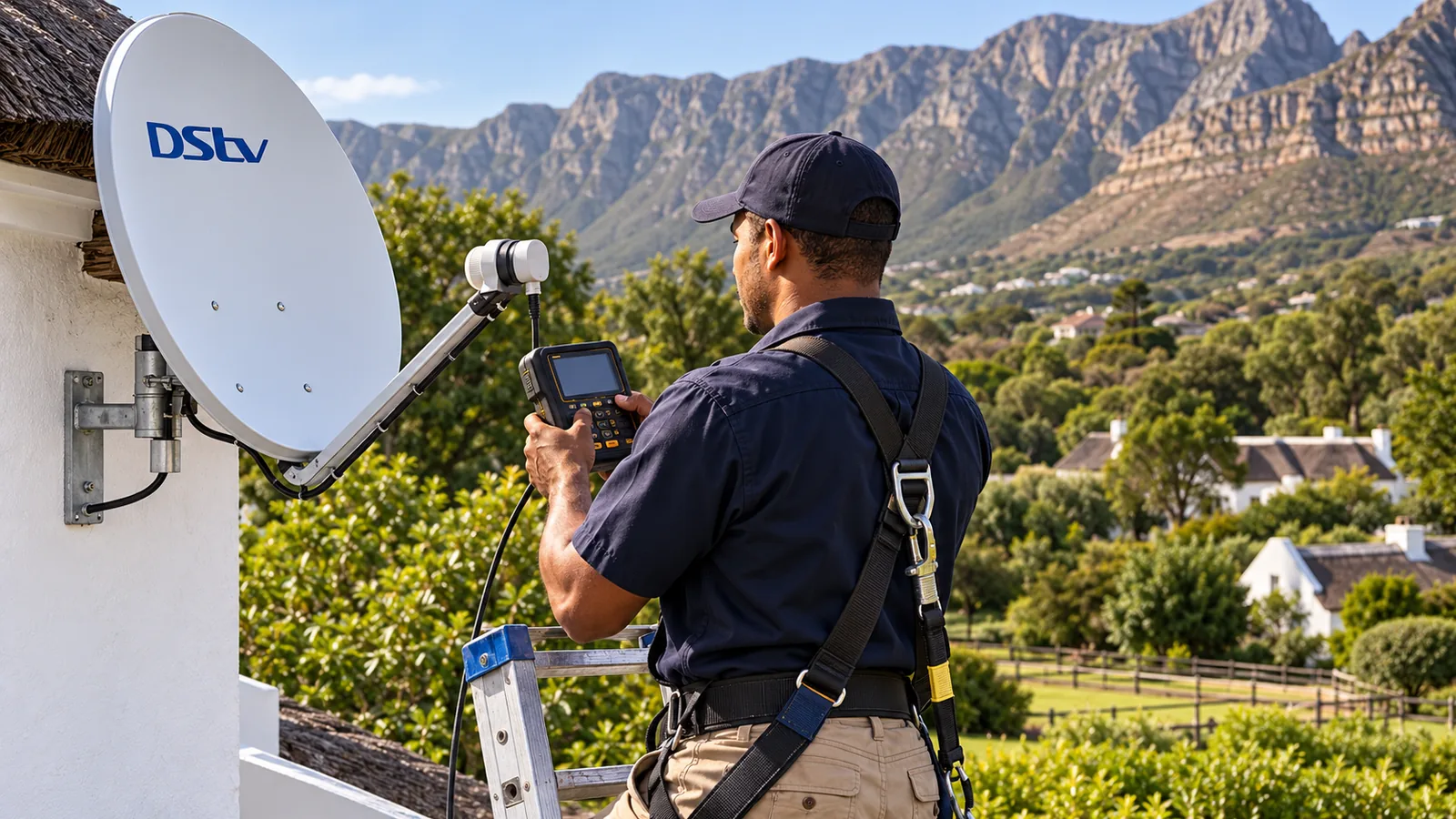
Signs it is the dish: zero signal on every screen, a dish that looks tilted after strong wind, or branches in front of it. At that point, stop pressing buttons. Our dish realignment service in Noordhoek uses a signal meter to put it back on target. If your problem keeps coming back in bad weather, also read our notes on signal problems in the Noordhoek valley.
Safety first
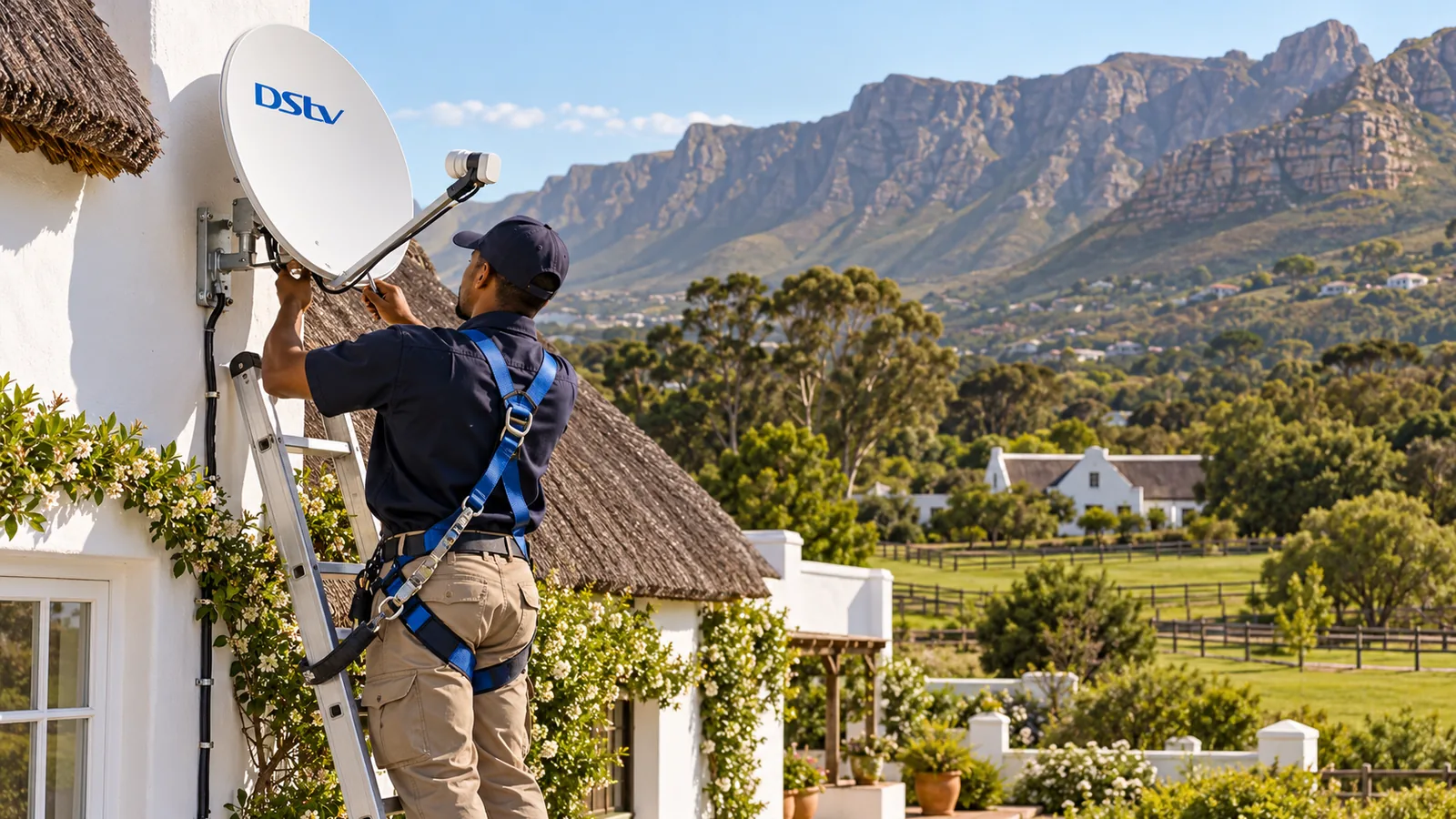
Do not climb onto a thatched or wet roof to turn a dish yourself. Ladders on gravel driveways and soft garden beds slip easily. A dish moved by hand without a meter is very hard to get back on the satellite, and a fall is not worth a TV signal.
After the Wizard: Apps, Activation and DStv Setup in Noordhoek
Once the scan finishes, a few channels may still show an error. That is usually an account or activation matter, not a DStv installation wizard one, and it is the last part of decoder setup. The DStv app and its self-service tools let you clear errors and refresh your decoder from your phone. You can also use the official DStv help pages to fix errors.
For a full DStv setup in Noordhoek with a new Explora or Smart LNB, our Explora installation service handles the dish, the cabling and the wizard in one visit.
Need a Hand With Your DStv Setup in Noordhoek?
If the DStv installation wizard keeps failing, the signal test stays empty, or you would simply rather not fiddle, our DStv installation team in Noordhoek can come out. We cover Noordhaven, Lake Michelle, Chapman's Bay Estate, Sunnydale and Fish Hoek, and we quote before we drive out.
Tell us what the screen shows, or send a photo, through our contact page. A quick look at the signal screen often tells us whether it is a two-minute settings fix or a dish job.
DStv installation wizard in Noordhoek: FAQs
How do I run the DStv installation wizard on my decoder?
On most decoders, press the DStv or Menu button, open Settings, then look for Satellite Settings or Installation. Choose the installation wizard option and follow the screens. You will pick a language, the satellite (IS20 for South Africa), the LNB type and then run a signal test and channel scan. Menu names differ slightly between models.
Why is the DStv installation wizard not scanning channels at my Noordhoek home?
A failed scan almost always means no usable signal is reaching the decoder. Check the LNB type you chose matches your dish, and that the coaxial cable is tight in LNB IN. If the signal test shows zero or very low quality, the problem is outside the house: the dish, the LNB or the cable. Running the wizard again will not fix that.
What does step 4 of 5 mean on the DStv installation wizard?
On many HD decoders, the middle steps ask for the dish or LNB setup, such as single, twin or Smart LNB. If you get stuck there, the decoder usually cannot see a signal with the settings you chose. Go back one step, confirm the LNB type, and check the signal screen. If it stays empty, stop and get the dish checked.
Do I need to run the DStv installation wizard after moving to Noordhoek?
Usually, yes. When you move a decoder to a new house in Noordhoek, the dish and LNB there may be a different type from your old one. Running the wizard lets the decoder learn the new setup and rescan channels. If the new home has no dish, or an old one under tall trees, you will need an installer first.
Will a factory reset fix my decoder?
A factory reset can clear software glitches, frozen menus or a decoder that keeps rebooting. It will not fix a bad signal, a loose cable or a dish that has moved. After the reset, you must run the installation wizard again, and you will lose saved settings such as favourites and parental controls. Recordings on an Explora may also be affected, so treat it as a last resort.
Is the installation wizard different on an Explora?
Yes, slightly. The Explora needs a Smart LNB, and its wizard asks you to choose the Unicable or Smart LNB option. It then checks that all its tuners see a signal before scanning. If one tuner shows no signal, the decoder is usually connected to the wrong port on the LNB, or the Smart LNB is missing.